How to Convert PDFs into Flashcards Automatically (This Saved My Exams)
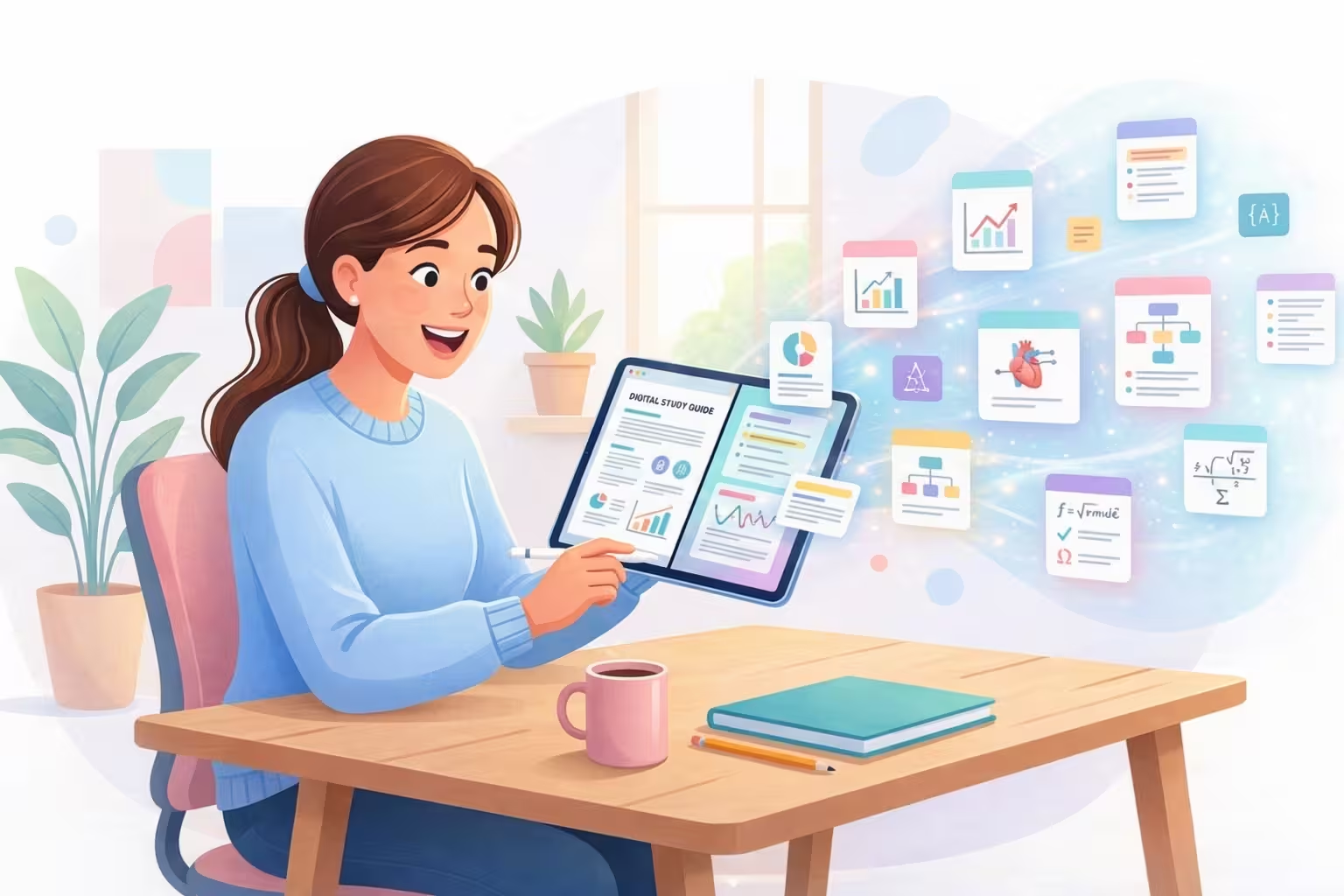
I used to hate PDFs.
Not because they were bad. But because they just sat there. Hundreds of pages. Staring at me. Waiting for me to somehow read everything.
And the worst part was this: I did read them. For hours. And still forgot everything.
I would finish a chapter and feel productive, then wake up the next day and remember almost nothing.
Reading was not the problem. My study method was the problem.
Once I started converting PDFs into flashcards automatically, exam prep stopped feeling impossible and started feeling structured.
The truth nobody tells you about studying PDFs
Reading PDFs feels like progress, but most of it is passive exposure. Your eyes move, but memory does not strengthen unless your brain retrieves information.
That is why many students feel busy and still freeze in exams. The brain practiced recognition, not recall.
Exams do not test whether you saw the page. They test whether you can retrieve and apply it under pressure.
Why flashcards changed everything for me
Flashcards force active recall. You see a question, pause, struggle, and pull the answer from memory.
That retrieval effort is what builds durable memory. Not highlighting. Not rereading. Retrieval.
Step 1
See question prompt
Step 2
Attempt answer from memory
Step 3
Check and reinforce instantly
But making flashcards manually was painful
I would open a PDF, read one line, make one card, and repeat for hours. Sometimes the card-making took longer than the actual studying.
Flashcards were effective, but the creation process was exhausting. Most of the time, I quit before I started.
The moment everything changed
One night before an exam, I still had around 300 pages left. No time, no energy, no margin for manual work.
I tried an AI study app to convert the PDF into flashcards automatically. I personally used NotesXP, though other tools exist.
In minutes, I had hundreds of review-ready flashcards. For the first time, studying felt possible.
How to convert PDFs into flashcards automatically
Step 1: Upload your PDF
Upload textbook PDFs, lecture notes, class handouts, or scanned pages. Good tools process these directly with minimal manual effort.
- • textbook PDF
- • lecture notes
- • class handouts
Step 2: Generate flashcards
The tool reads your PDF and converts concepts into Q and A format. Example:
Question: What is photosynthesis?
Answer: The process by which plants convert light into energy.
Question: Where does photosynthesis occur?
Answer: In the chloroplast.
Step 3: Review and revise
This is where real studying happens. Test yourself repeatedly, mark weak cards, and revisit them more often. Some apps, including NotesXP, also turn cards into quizzes.
How to get better flashcards from your PDFs
Why flashcards work better than reading
Exams require recall, speed, and decision-making under pressure. Flashcards train those exact abilities.
- They force retrieval instead of passive recognition.
- They expose weak spots quickly.
- They break huge syllabi into manageable chunks.
- They make revision measurable and repeatable.
A realistic review plan if exams are close
1 to 3 hours
- Review only high-yield card decks.
- Focus on weak cards first.
- Skip low-probability details.
6 to 12 hours
- Run two full recall rounds.
- Convert mistakes into new cards.
- Add one quick quiz session.
1 to 3 days
- Build chapter-wise card decks.
- Use spaced re-review every day.
- Practice mixed-topic recall sets.
The biggest difference is emotional
Before flashcards, studying felt endless. After flashcards, progress became visible.
You do not see 300 pages anymore. You see 10 cards, then 20, then 50. That momentum reduces stress and increases consistency.
Manageable progress is not just productive. It is psychologically sustainable during exam pressure.
How much time this can save
What used to take 6 to 8 hours of manual card creation can drop to 10 to 15 minutes for first-draft generation, followed by quick edits.
That extra time can be redirected to actual revision, sleep, and recovery, all of which improve exam output.
- • more revision rounds
- • less stress
- • better sleep
- • better grades
If you are struggling right now
If exams are close and your PDFs are untouched, you are not alone. That silent panic is common.
Sometimes you do not need more hours. You need a better system.
Start with one PDF, one chapter, and one recall session.
One honest truth
Flashcards will not make you a topper overnight. You still need consistency and effort.
But they make studying faster, clearer, and less painful. For many students, that is exactly what unlocks progress.
Start with one PDF today.
Convert one chapter into flashcards.
Review it with active recall. You will feel the difference quickly.
Related: How to Study for Exams When You Have No Time and Best AI Study Apps.